A Major Step Beyond One-on-One AI Interaction
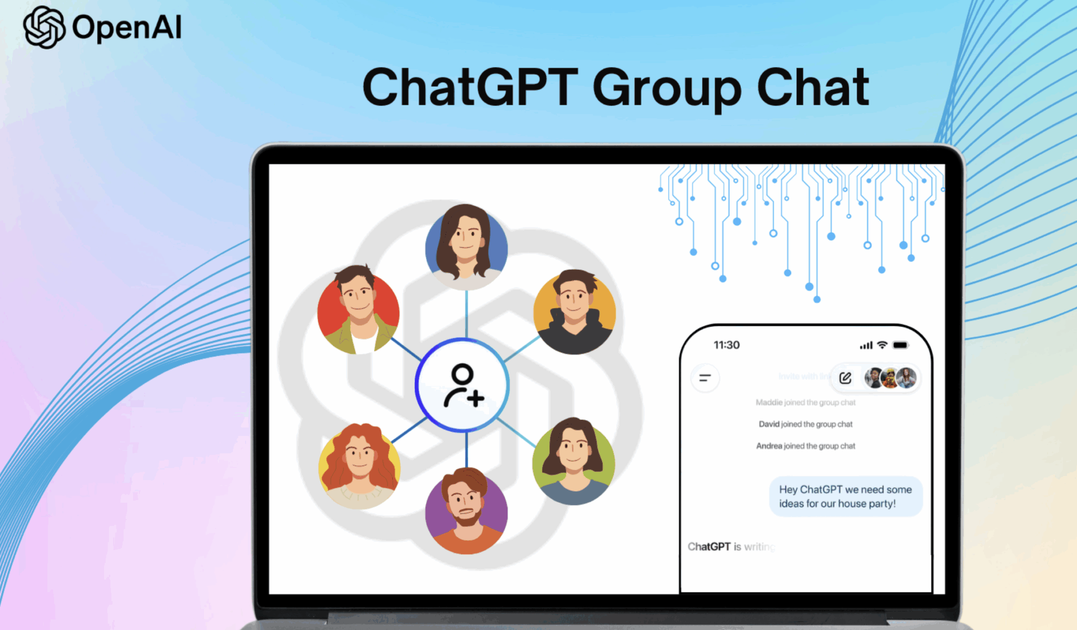
The new group chat feature allows up to 20 participants to chat in a common room. The users can chat quite naturally, while ChatGPT can be pulled in to the conversation with "@ChatGPT" or jump in on its own if it senses that it's needed. Some Key features include:
- Tag-based interactions (@ChatGPT)
- Automatic AI suggestions and summaries
- Emoji reactions and threaded quotes
- Shared uploads (documents, images, files)
- Cross-platform sync on web and mobile


This new update has transformed ChatGPT from being a personal assistant into a hub that enables collaborative real-time tasks and facilitates decision making for teams.

Worldwide Coverage Across All Plans
Interface preview of ChatGPT’s new global group chat feature Worldwide Coverage Across All Plans Opening up group chats to all globally continues a trend that began with earlier rollouts in Japan, New Zealand, South Korea, and Taiwan. There are no plan-based restrictions for the new group chat feature available worldwide.
This includes:
- Full support on iOS, Android, and Web
- Access for all logged-in users
- Consistent features across platforms
- Immediate availability, no waitlist
Privacy Controls Remain Strict and Transparent
OpenAI was quick to indicate that private messaging and group conversation are separate. Features such as memory, personal chat data, and past conversations are not shared in a group setting. Some common issues and additional protections include:
- If new members are added, an exact copied version of the chat will be made in order to maintain the actual context.
- Content controls have been beefed up for users under 18 years of age.
- Clear logs of when and how ChatGPT participates.
Real-Life Use Cases: Planning Trips to Professional Collaboration
The group chat system built with the language model GPT helps a broad class of problems.
• Trip and Event Planning
It allows the group to schedule things, compare options, and generate AI-assisted itineraries.
• Academic and Study Group Collaboration
Brainstorming, summarizing readings, creating outlines, and working on projects can all be done collaboratively.
• Improving Workplace Productivity
Teams can draft proposals through chats, carry out pros and cons analyses for issues, document decisions, and organize tasks.
• Creative and Personal Projects
Writers, hobbyists, social groups—anyone can make use of AI to generate ideas, refine plans, or handle shared documents.
A Strategic Move Towards Social and Team AI
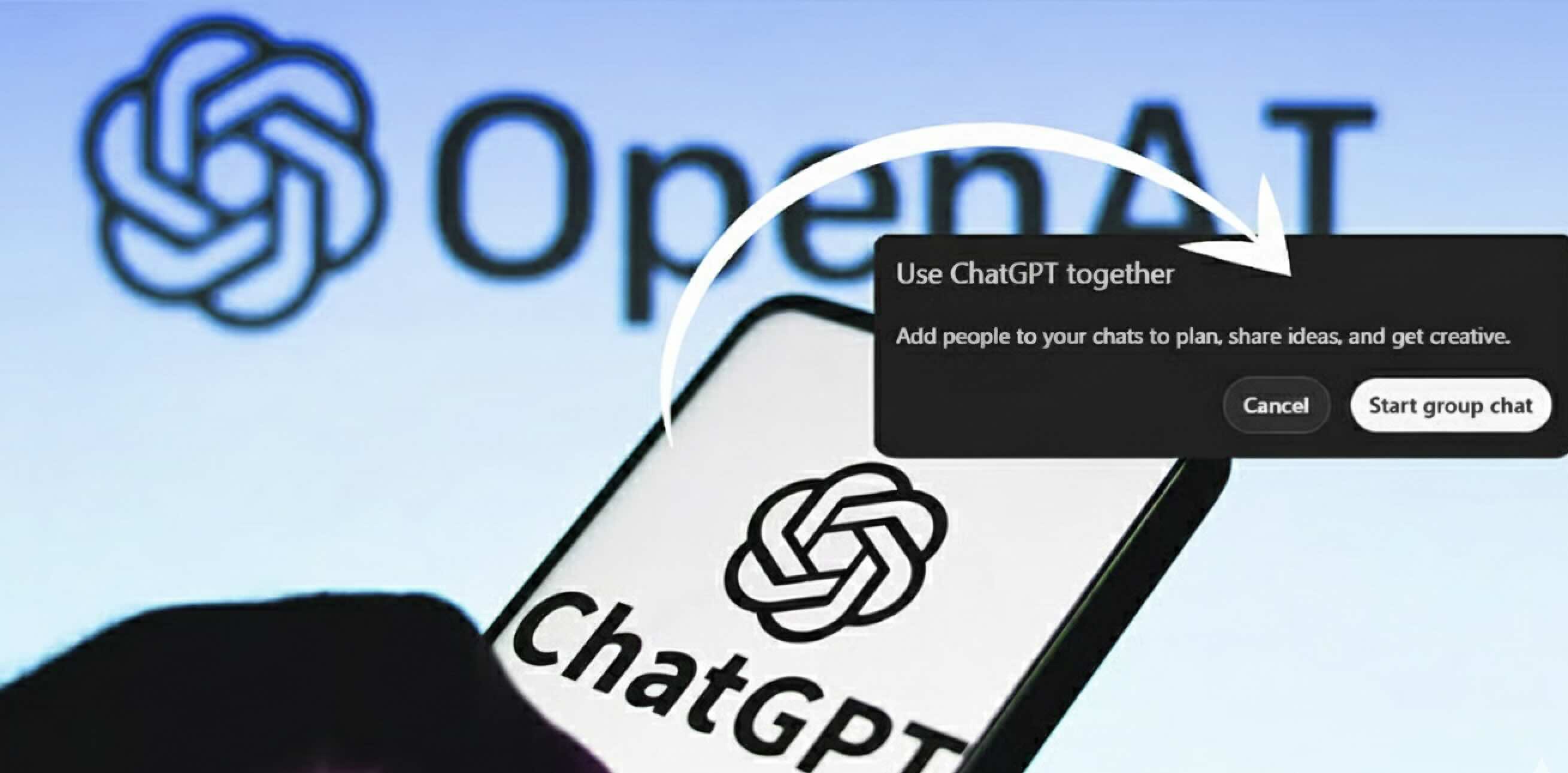
This rollout is a very important step in terms of integration of AI tools with social and collaborative spaces. OpenAI did not stop at limiting the use of AI to only the conversations people have one-on-one; instead, it positioned ChatGPT as a shared workspace for collaborative thinking.
With trends in group-based collaboration accelerating all around the world, the introduction of AI-enabled multi-user chat could represent a new high-water mark for digital teamwork tools.